AI Resume Builder Guide 2026: Create ATS-Optimized Resumes That Get Interviews Faster
An AI resume builder is now the fastest and most effective way to create professional, ATS-optimized resumes in 2026. Instead of wasting hours formatting and rewriting, you can simply upload or paste your resume, target a job description, and instantly receive a tailored resume and matching cover letter.
This guide explains how modern AI resume builders work, how ATS systems filter candidates, and how you can use one platform to upload, tailor, preview, and download your resume in just minutes.
What Is an AI Resume Builder?
An AI resume builder is a smart tool that analyzes both your resume and the job description you’re applying for. It then:
- Optimizes your content with job-specific keywords
- Improves bullet points for recruiter impact
- Fixes formatting for ATS compatibility
- Generates matching cover letters automatically
With advanced platforms, you don’t fill long manual forms. You simply upload, paste, tailor, preview, and download.
Why Job Seekers Now Prefer AI Resume Builders
1. Upload or Paste Any Resume Instantly
- Upload PDF or DOCX files
- Paste resume text directly
- Automatically extract and clean content
2. Target Any Job Description
- Paste the job description you want to apply for
- AI analyzes recruiter requirements instantly
- Your resume is tailored for that specific role
3. Instant ATS Optimization & Scoring
- Automatic keyword matching
- Real-time ATS score feedback
- Higher ranking inside employer systems
4. Preview With Professional Templates
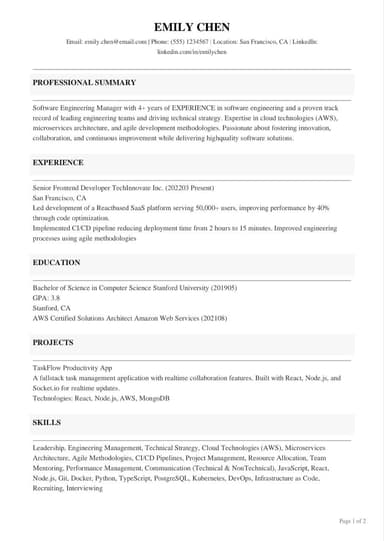
- Multiple ATS-safe resume templates
- Live preview before download
- No manual formatting required
5. One-Click Download
- Instant PDF resume download
- Instant cover letter download
- No watermarks on premium templates
How ATS Systems Decide Who Gets Interviewed
Over 90% of companies now use ATS software to filter resumes before a recruiter ever sees them. ATS systems scan for:
- Job-specific keywords
- Standard section headings
- Proper file structure (PDF or DOCX)
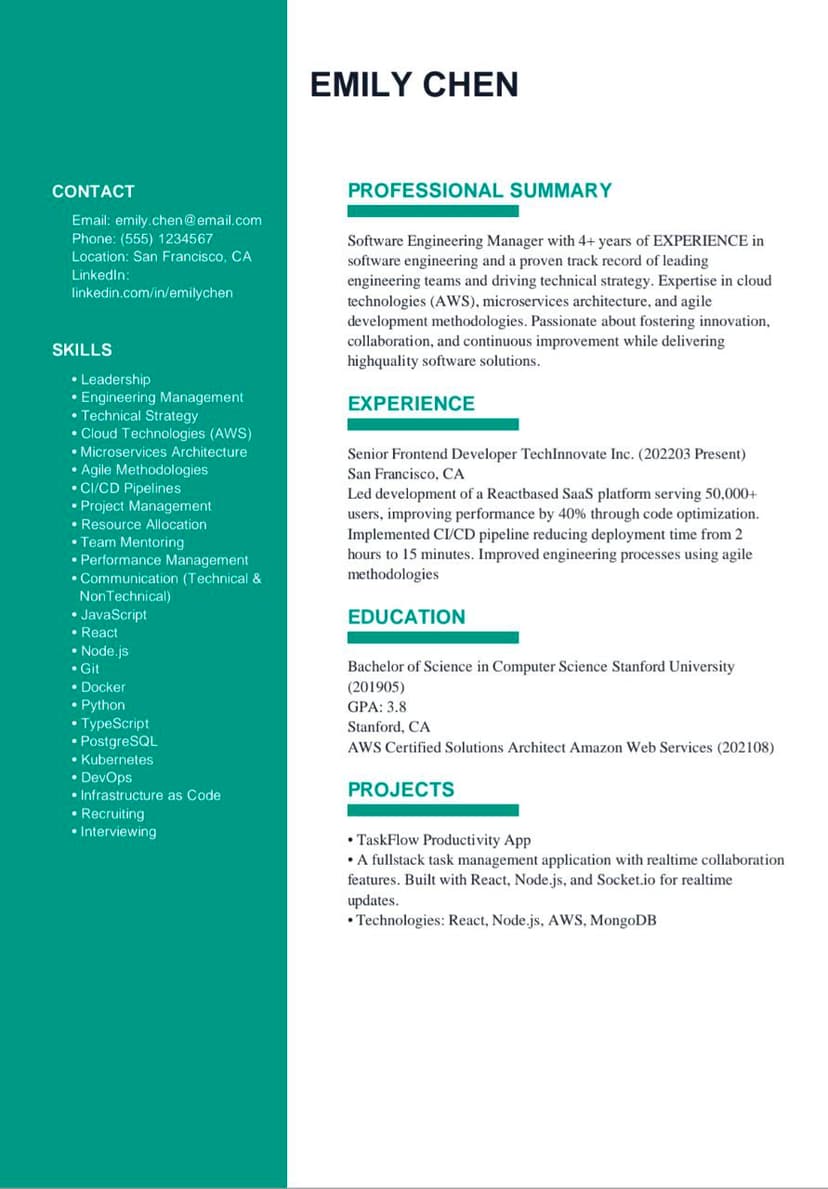
- Simple layouts without images or tables
If your resume fails these checks, it is automatically rejected even if you are perfectly qualified.
Step-by-Step: How to Use an AI Resume Builder the Right Way
- Upload your resume file or paste your resume text
- Paste the job description you want to target
- Click “Tailor Application” to activate AI optimization
- Review your tailored resume and cover letter
- Select a professional resume template
- Preview your resume in real time
- Download your ATS-optimized resume instantly
This entire process takes less than 10 minutes and replaces hours of manual work.
Key Features to Look For in a Powerful AI Resume Builder
| Feature | Why It’s Important |
|---|---|
| ATS Score Checker | Shows how well your resume matches each job |
| Job-Specific Tailoring | Customizes every resume for each application |
| Cover Letter Generator | Creates complete job application packages |
| Template Preview | Allows real-time design selection |
| Instant PDF Download | Ready-to-send professional documents |
Common Resume Mistakes That Get You Rejected Instantly
- Sending the same resume to every job
- Wrong keywords for the role
- Using images, icons, or tables
- Unclear job titles and achievements
- Manual formatting errors
AI Resume Builder vs Manual Resume Writing
| Manual Resume | AI Resume Builder |
|---|---|
| 2–3 hours per resume | 5–10 minutes |
| Generic content | Job-specific tailoring |
| No ATS analysis | Real-time ATS optimization |
| Formatting errors | ATS-safe templates |
Who Should Use an AI Resume Builder?
- Fresh graduates and students
- Career switchers
- Remote job seekers
- International applicants
- Professionals facing repeated rejections
Useful Tools for Your Job Application
- AI Resume Builder – Upload, tailor, preview, and download in one flow
- Cover Letter Generator – Generate job-specific cover letters instantly
- Free Resume Templates – Choose ATS-safe professional designs
Frequently Asked Questions
Do AI resume builders actually work?
Yes. When used properly with job-specific descriptions, they dramatically improve ATS compatibility and interview rates.
Can I build a resume without already having one?
Yes. You can generate a resume using only a job description and let the AI build it from scratch.
How long does the full process take?
Most users complete upload, tailoring, preview, and download in under 10 minutes.
Start Building Your Perfect Resume Now
Upload your resume, paste any job description, preview professional templates, and download instantly with our AI resume builder.
Updated for 2026 • Reading time: 10 minutes